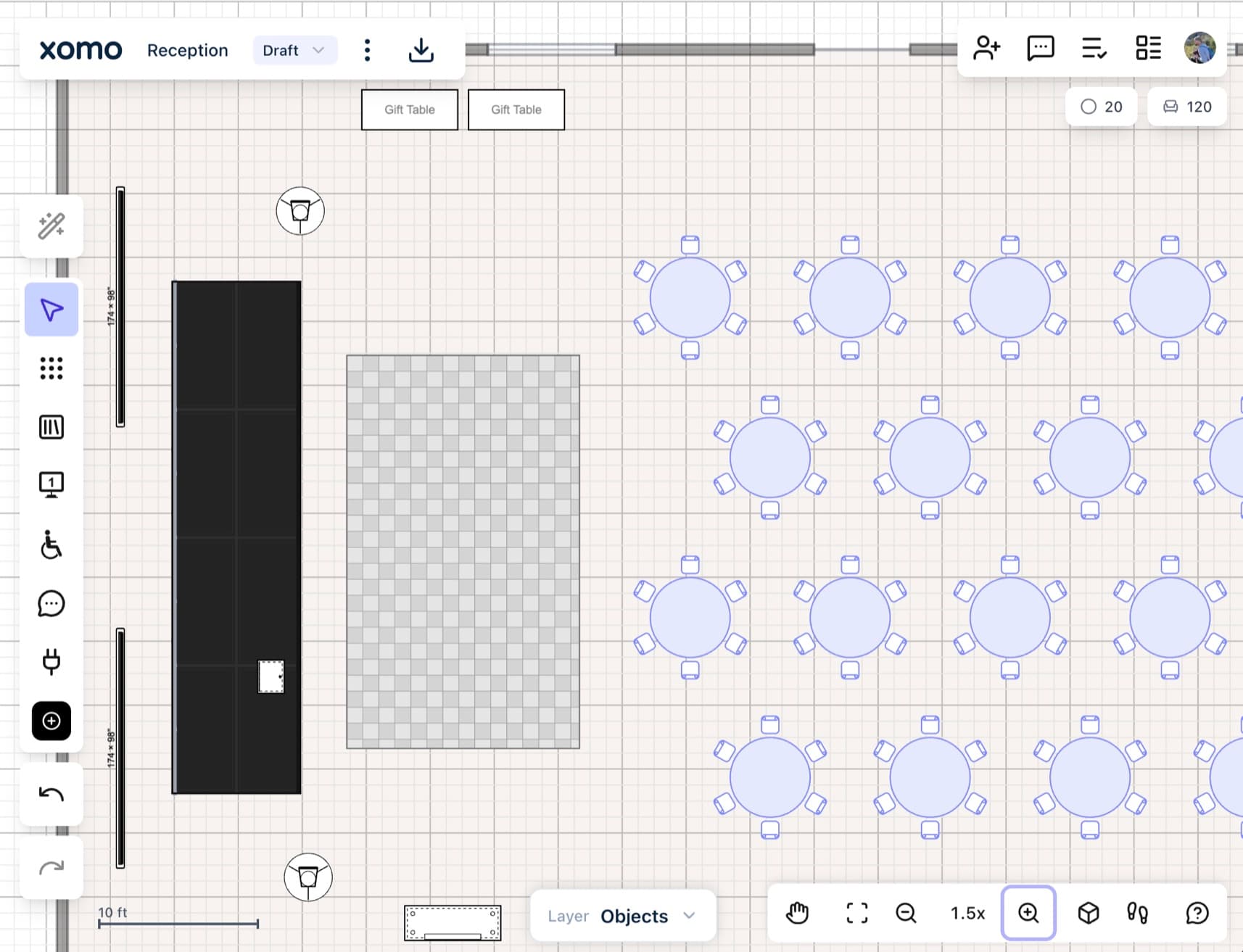
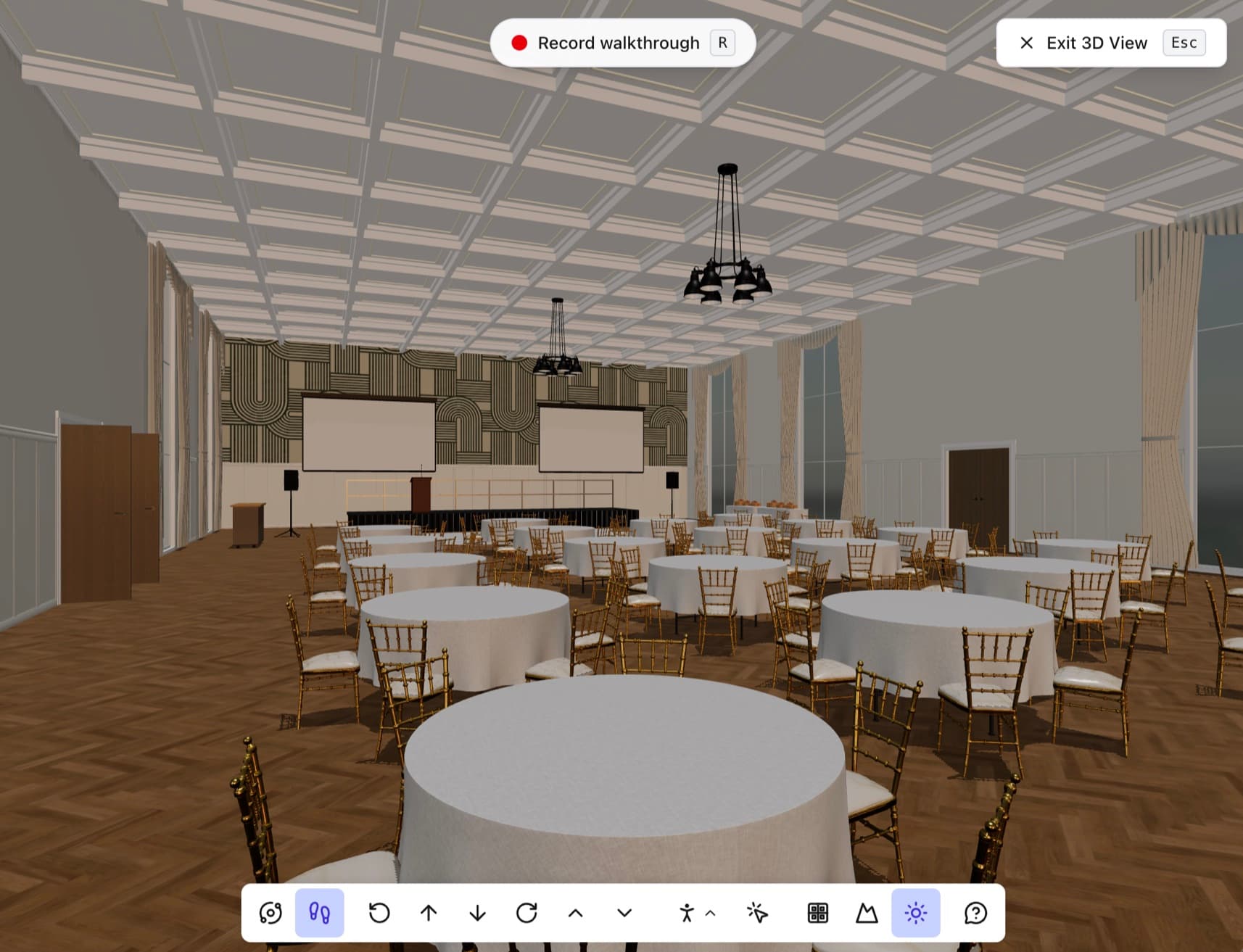
Every lead starts a Zap. The Zap goes anywhere.
Not on HubSpot? Zapier connects Xomo to the tool you do use. A planner starts an event from your floorplans, the lead runs your Zap, and the Zap puts it in a sheet, a CRM, an email or a chat channel. Set it up once, from a form in Xomo and a trigger in Zapier.
Included on the Venue plan
What the Zap receives
New leads
Name, email, company, event dates, guest count, rooms and a link to the lead in Xomo.
Changes to a sent lead
A second run when the dates, guest count or rooms change, so a sheet or CRM stays in step.
Every lead, in the tool you already use
- A lead lands in your spreadsheet, CRM, inbox or chat the moment it arrives, without anyone copying it over.
- When your process changes, change the Zap. Xomo needs nothing from you.
- A delivery that fails is retried for days, so a Zap that breaks on a Friday has lost nothing by Monday.
Your account stays yours
- Xomo sends to the Zap and reads nothing from Zapier.
- The webhook URL is stored encrypted and deleted with the connection.
- A 30-day delivery log shows exactly what was sent, so you can check without asking anyone.
- 1Start a Zap with Webhooks by Zapier
- 2Open Connectors and pick Zapier
- 3Paste the URL and pick venues
- Send a test and map the fields
Xomo talks to the rest of your tools too
Post new leads, booth requests and mentions to a Slack channel.
Learn moreEvery lead becomes (or updates) a HubSpot contact.
Learn moreRun a Make scenario with every new lead.
Learn moreSend every lead as signed JSON to a URL of yours.
Learn moreDesign every event. Showcase every space.
Whether you're planning the event or managing the venue, design to-scale floorplans and events with ease, and align everyone before the doors open.