Every lead from your floorplans, already in HubSpot.
A planner who starts an event from your embedded floorplan or Venue Library listing is a lead with a date, a head count and a room. Connect HubSpot and that lead creates or updates a contact in your portal, so your sales team works it where they work everything else.
Included on the Venue plan
- amelia@torresevents.co
- Company
- Torres & Co. Events
- Lifecycle stage
- Lead
- Original source
- Xomo · Grand Ballroom floorplan
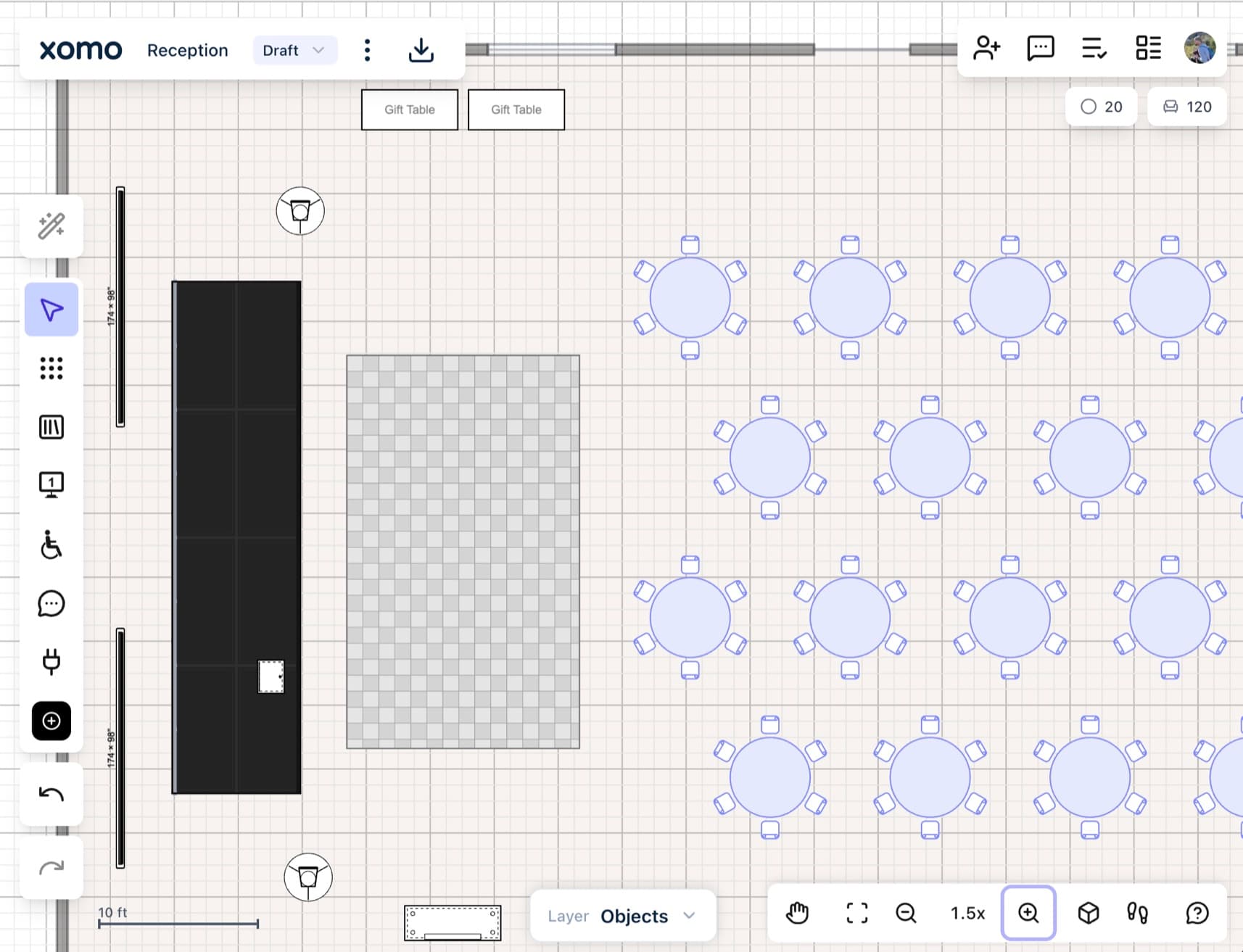
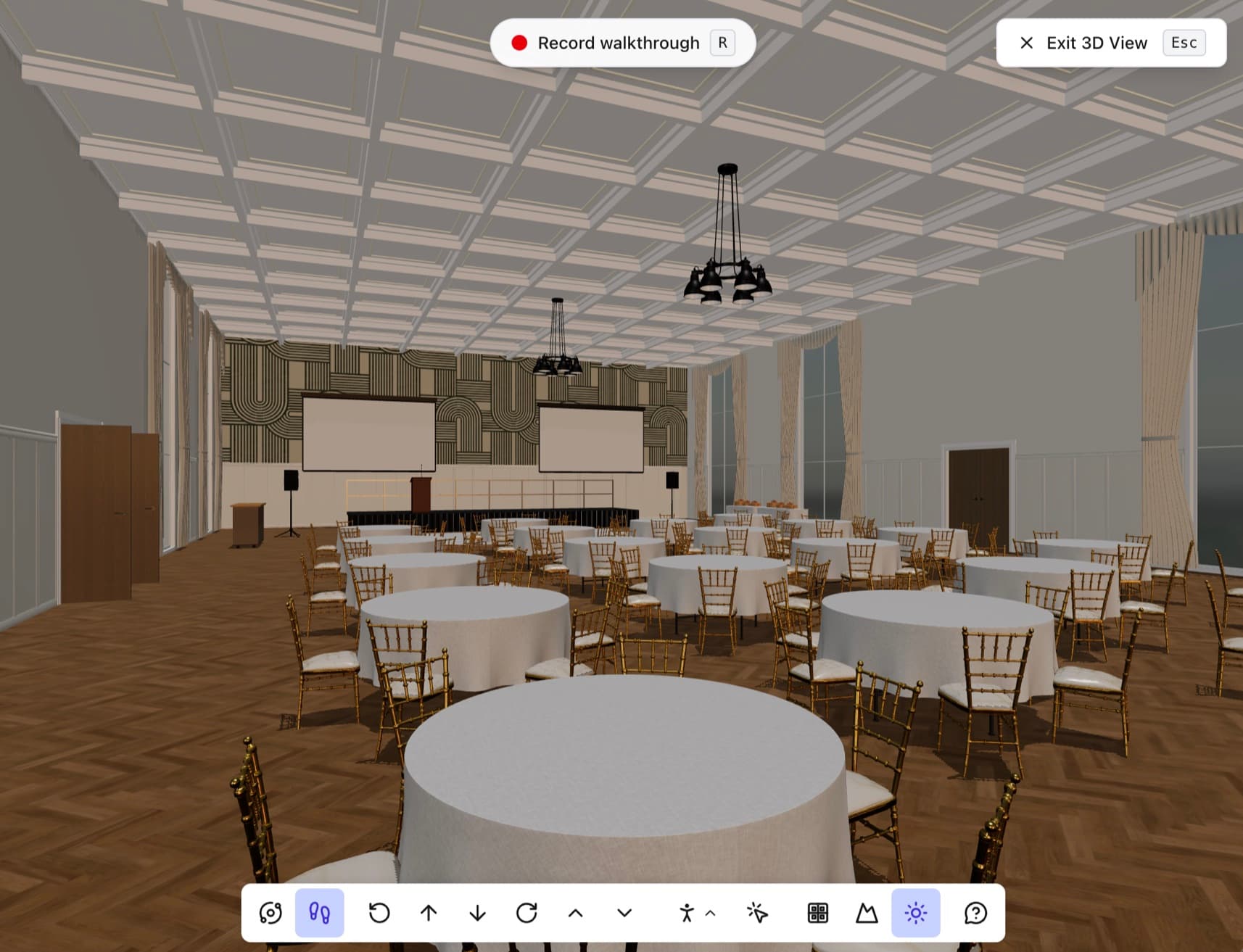
Hartley–Nguyen wedding · Sat, Jun 13 · 180 guests · Grand Ballroom at Grandview Hotel. Started from your embedded floorplan. Open the lead in Xomo →
What lands in HubSpot
New leads
Name, email and company create or update the contact, with the event dates, guest count and rooms in the message.
Changes to a sent lead
When the dates, guest count or rooms change later, the contact gets the update too.
Leads your sales team can work today
- A planner who clicks your floorplan is in HubSpot before anyone types a thing, with the date, head count and room already on the record.
- Sales works the lead in the pipeline they already use, with the sequences, tasks and reports they run for every other contact.
- Every lead sent is logged with whether it arrived, and a failed one can be sent again, so nothing goes missing between the two tools.
Your portal stays yours
- Xomo writes to one form and reads nothing from HubSpot. Your contacts, deals and pipelines are never touched.
- The credentials you paste are stored encrypted and deleted with the connection.
- Planners' consent is recorded in Xomo, so it is on file without adding fields to your form.
- 1Make a form and a private app in HubSpot
- 2Open Connectors and pick HubSpot
- 3Paste the portal ID, form GUID and token
- Send a test
Xomo talks to the rest of your tools too
Post new leads, booth requests and mentions to a Slack channel.
Learn moreStart a Zap with every new lead, and send it anywhere.
Learn moreRun a Make scenario with every new lead.
Learn moreSend every lead as signed JSON to a URL of yours.
Learn moreDesign every event. Showcase every space.
Whether you're planning the event or managing the venue, design to-scale floorplans and events with ease, and align everyone before the doors open.